 |
July 2026 Featured Software |
| Submitted August 12, 2026 by Dan Delong |
Microsoft once included many free games with their older operating systems. That stopped with Windows 8. Many of today's computer users miss the look and feel of these games. You can bring back many of them with this installation, although the Microsoft Store still offers many of these free titles, in updated form. [As a non-gamer, I seldom used these (or any other games) making this a rather forced article.] [While using the Microsoft Store, there may be log-in requirements, especially if not using Edge.]
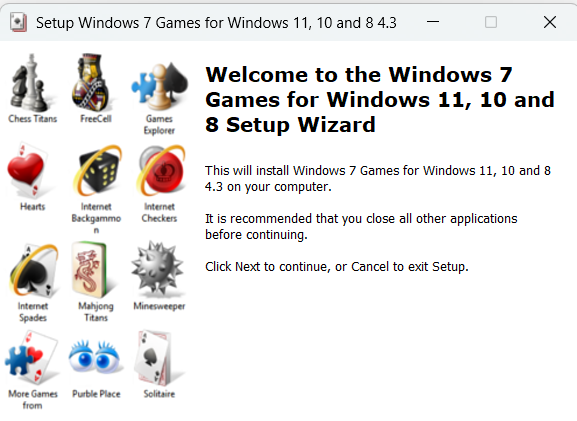
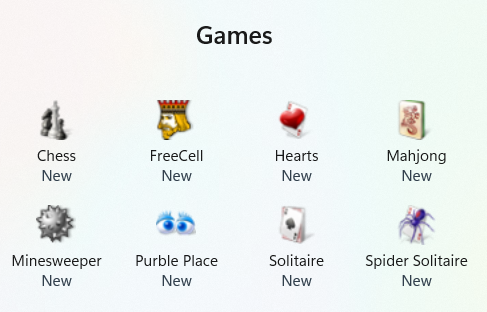
Figure 1: No such message when installing this software. These classic Windows games are:- Solitaire, Spider Solitaire, Minesweeper, FreeCell, Hearts and other original board games. One download option is for installing these games on Win 11 only. The authors instructions page warns about possible loss of settings, if the computer is one that just experienced an update to Win 11 from an earlier version, or a re-install of Win 11. However, the support webpage also provides instructions for overcoming such difficulties.
Figure 2: Set-up Wizard Files will be put into C:\Program Files\Microsoft Games
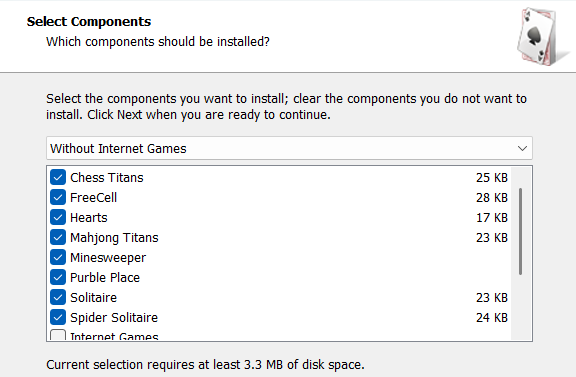
Figure 3: Default component selections
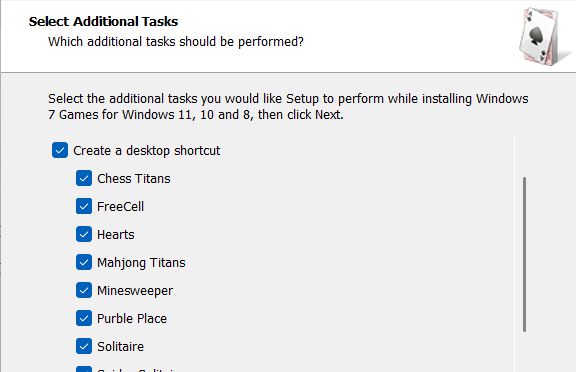
Figure 4: Desktop icon selections
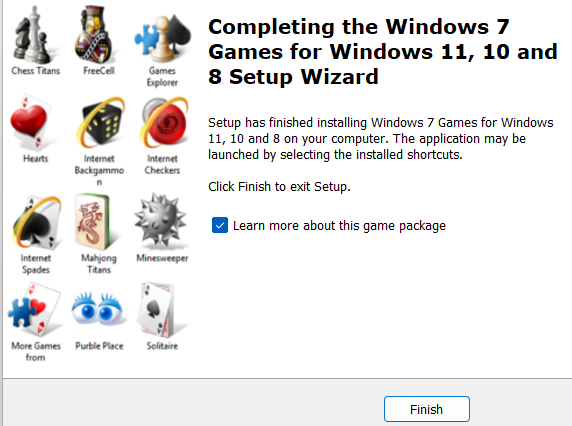
Figure 5: Finish screen
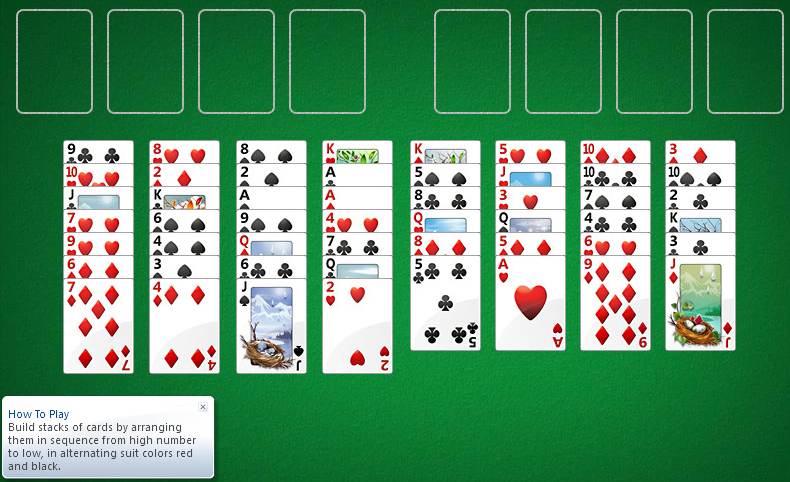
Figure 6: FreeCell Solitaire
New games are now in all Apps list. System requirements: Platform: most Windows 8 to 11 Version: 4.3 Language: English and many more, like Arabic, Chinese, Czech, Danish, Dutch, Finnish, French, German, Greek, Hungarian, Italian, Japanese, Korean, Polish, Portuguese, Russian, Slovenian, Spanish, Swedish, Thai, Turkish, Ukrainian. Download Size: 83 MB Installed Size: 85 MB Licence: FREE Rating: Download Site: Win 11 warned against installing, which is common for anything they didn't design. For Win11 only:- Download Windows 7 Games for Windows 11. Yet, both links download the same file, with the same Checksum, called, "Windows 7 Games_for_Windows_11_10_8.zip". The author has used Gemini to write some of the support contents for this program, which I found annoyingly difficult to follow. Avoid it with the link below. For Win 8 and Win 10 / 11:- Windows 7 games for Windows 10 Anniversary Update and above. If you prefer, the official Microsoft Games Store is here. |