 |
June 2026 Featured Software |
| Submitted July 17, 2026 by Dan Delong |
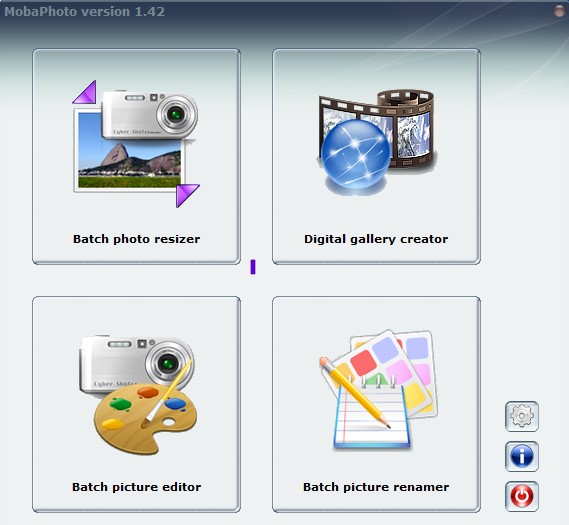
MobaPhoto was first offered as a way to make webpage photogalleries. Three functions have been added - namely, a batch editor, a batch resizer, and a batch renamer. [As a new user, I chose to test only the portable version, on a Windows10 laptop.]
Figure 1: Four main features - all are "batch".
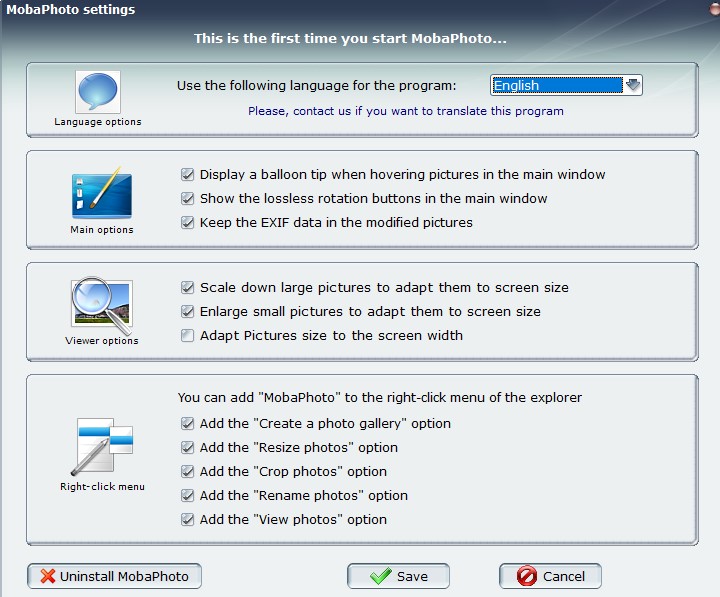
Figure 2: This Settings screen, with defaults, appears only on first run.
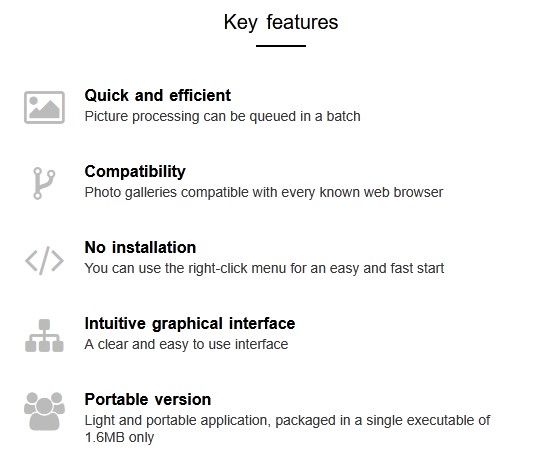
Figure 3: Key features.
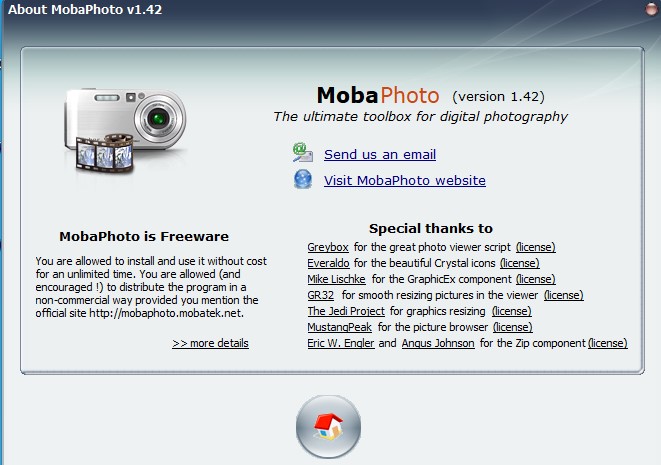
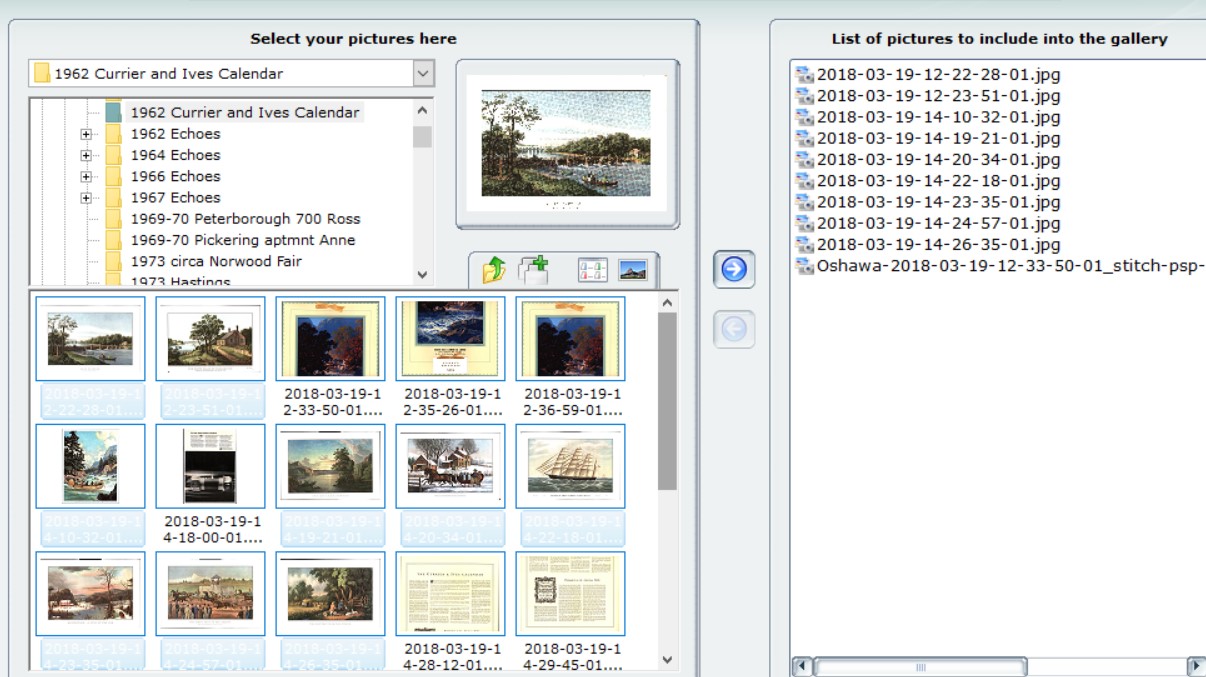
Figure 4: Information window When selecting images for the new photo gallery, you can select a folder, or ALL files, or hold the control key while selecting individual files. When done, "drag n drop" into the window reserved for the "List of pictures to include into the gallery".
Figure 5: Selecting images Then click on "Create gallery".
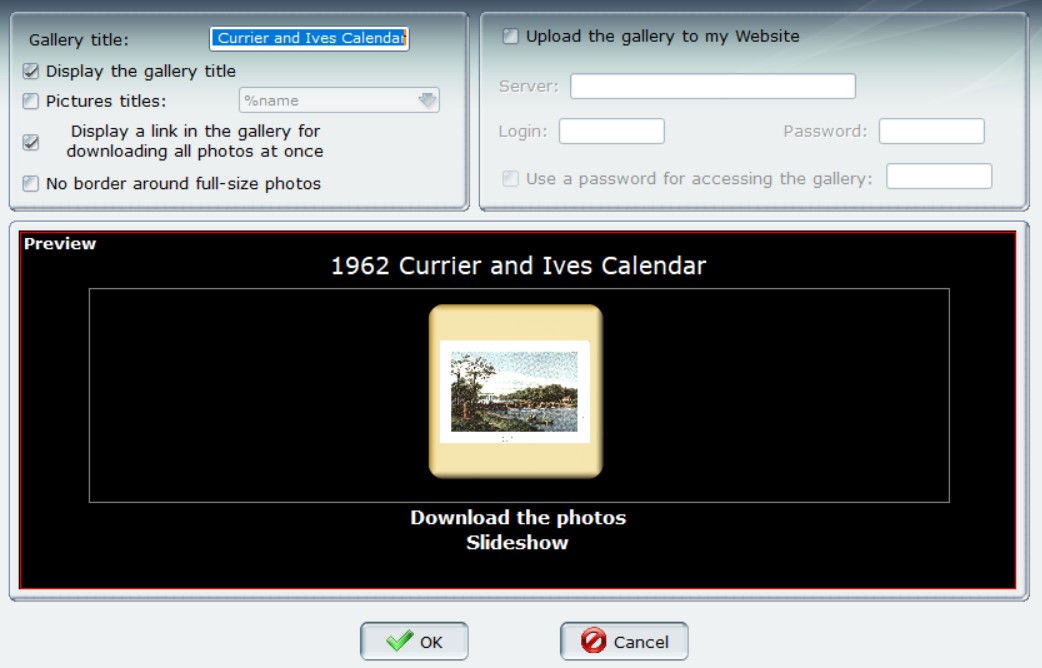
Figure 6: Final changes before gallery creation and saving. A preview screen will appear, allowing you to download and try the gallery. At the same screen, changes can be made to text colour, position, and style, as well as border, title and photo naming. If the preview is unsatisfactory, due to filenames, images of variable size, or exposure problems, return to the start screen and make those desired changes; then remake the gallery. Webmasters will notice that this program also includes an FTP app for uploading to your website. [In fact, after all this, uploading to a web server may be the only way to view the Slideshow, because Edge / Firefox did not respond properly to clicking on "Slideshow". However, loading into a web editor - Dreamweaver - worked just fine. The final gallery folder contained both thumbnails and renamed images, along with an index.html file and the needed CSS files. Installing a local web server is possible, but usually quite involved. Perhaps using the installer version (larger in size) of MobaPhoto would include the necessary support files for viewing the show in any common browser.]
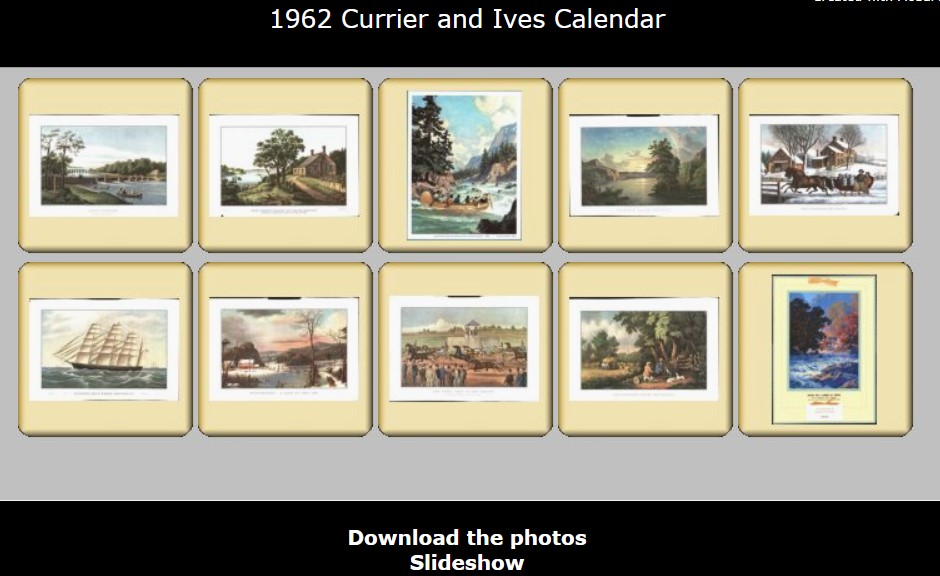
Figure 7: Final set of slides. This particular gallery was just over 100 MB in size, so creation took a couple of minutes, partly because this program allows placing all results in a new folder, with a full backup [I probably should have resized all images to something smaller.] System requirements: Platform: Win 10 / 11, and perhaps other Windows versions Version: 1.42
Language: English, and others Download Size: 2.1 MB (installer) - 1.6 MB (portable) Installed Size: 1.67 MB for portable version Licence: FREE Rating: Download Site here. |